
📦 Bringitkonk Product Photo Matcher
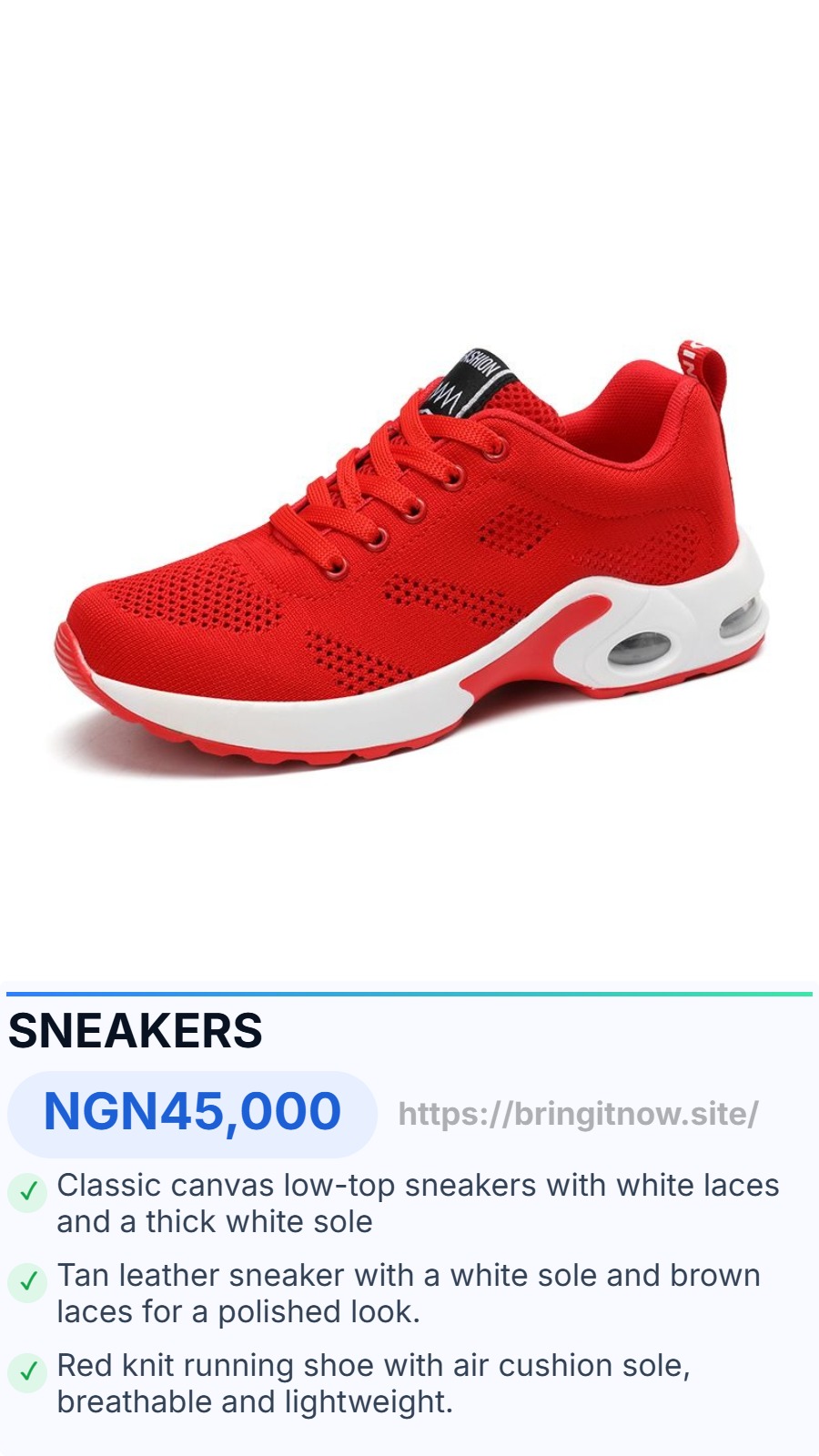
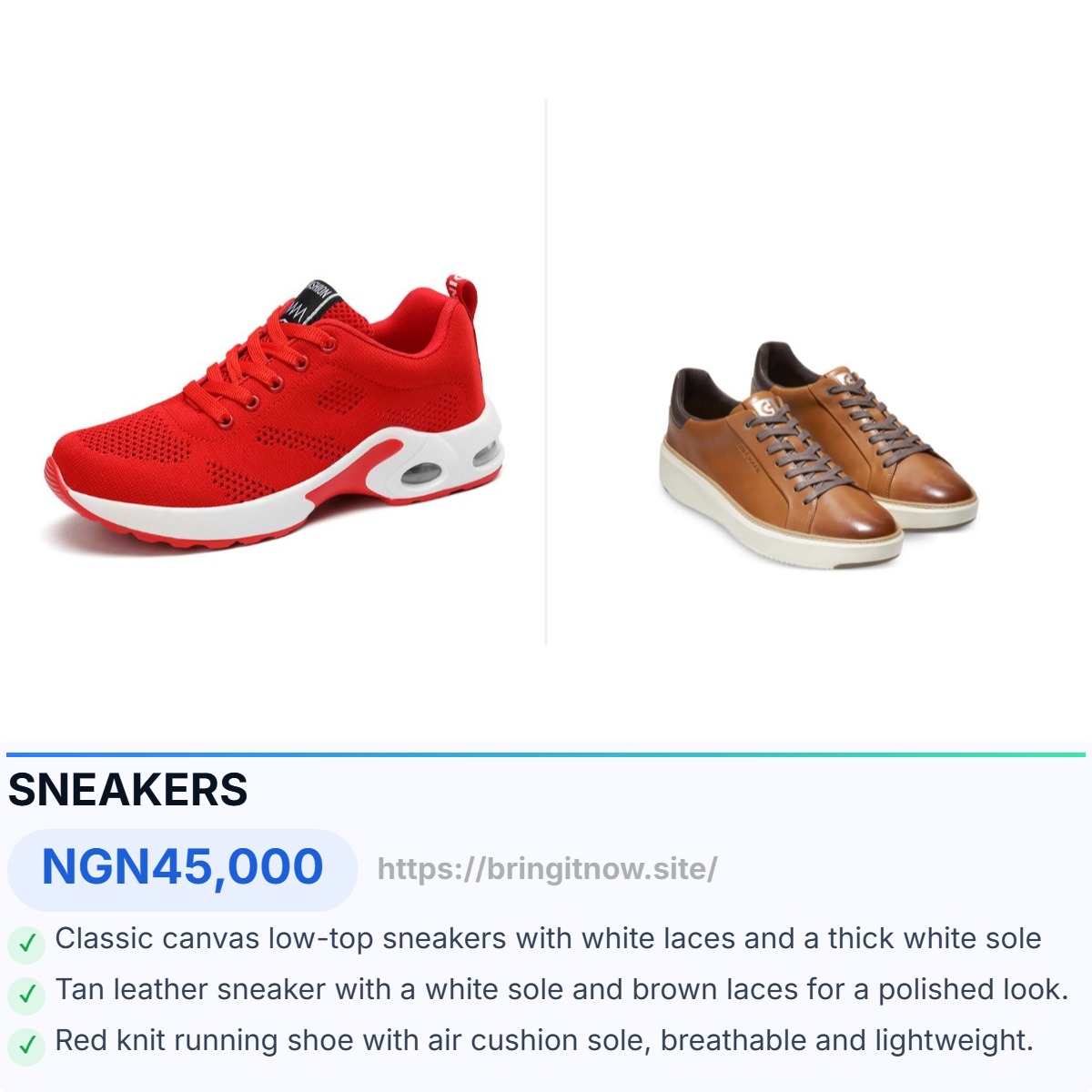
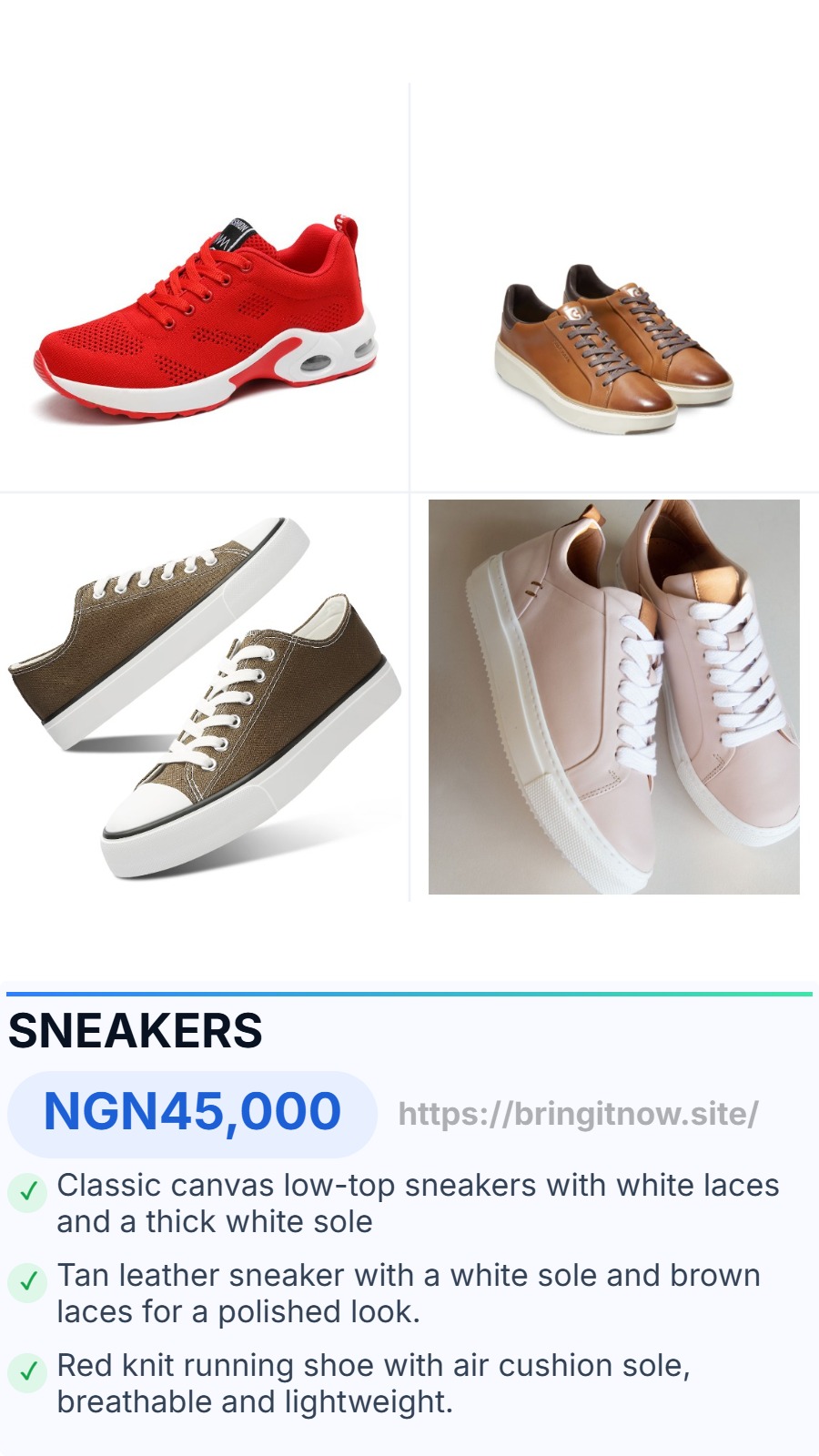
Upload your price list (or start from the template), then click any cell in the table to edit it. Item names and description bullets have character limits, with over-limit cells turning red until fixed. Drag one to four photos onto a row to match them; they're auto-merged into one image and will get an auto-generated compatible filename. Leave the overlay option on to burn Item name, price and descriptions onto photos, in a guaranteed 1:1 or 9/16 ratio across your catalog. When ready, download the finished Excel sheet or a ZIP of all matched photos.
📋 Standard Excel Template
Your Excel file should follow this format. Download the template below.
| item_name | brand | size | category | subcategory | price | currency | image | description |
|---|---|---|---|---|---|---|---|---|
| Cadbury Bourn Vita | Cadbury | 200g | Beverages | Cocoa | 1500 | NGN | ... | Rich cocoa malt drink; Fortified with vitamins; Great hot or cold |
| Coca-Cola | Coca-Cola | 330ml | Drinks | Soft Drinks | 200 | NGN | ... | |
| Amstel Malta | Amstel | 330ml | Drinks | Malt | 250 | NGN | ... |
💡 The item_name column is used to match your product images.
The optional description column (bullets separated by ; or |) is used for the photo overlay — leave it blank to auto-build bullets from Brand/Size/Category instead.
Upload your Excel file
Click or drag & drop your product list (.xlsx or .xls)
📋 See the Standard Excel Template above for required format
Batch Upload Images
Upload multiple images at once. They will be matched to products by filename.
🔒 Upload your Excel file first